Complete Mac optimization in one app.
Quitty is an all-in-one macOS utility for system maintenance, performance optimization, and storage management. Real-time monitoring, automated cleaning, and advanced tools through a single, unified interface.

Quitty is an all-in-one macOS utility for system maintenance, performance optimization, and storage management. Real-time monitoring, automated cleaning, and advanced tools through a single, unified interface.
Comprehensive system maintenance, performance optimization, and storage management through a single, unified interface.
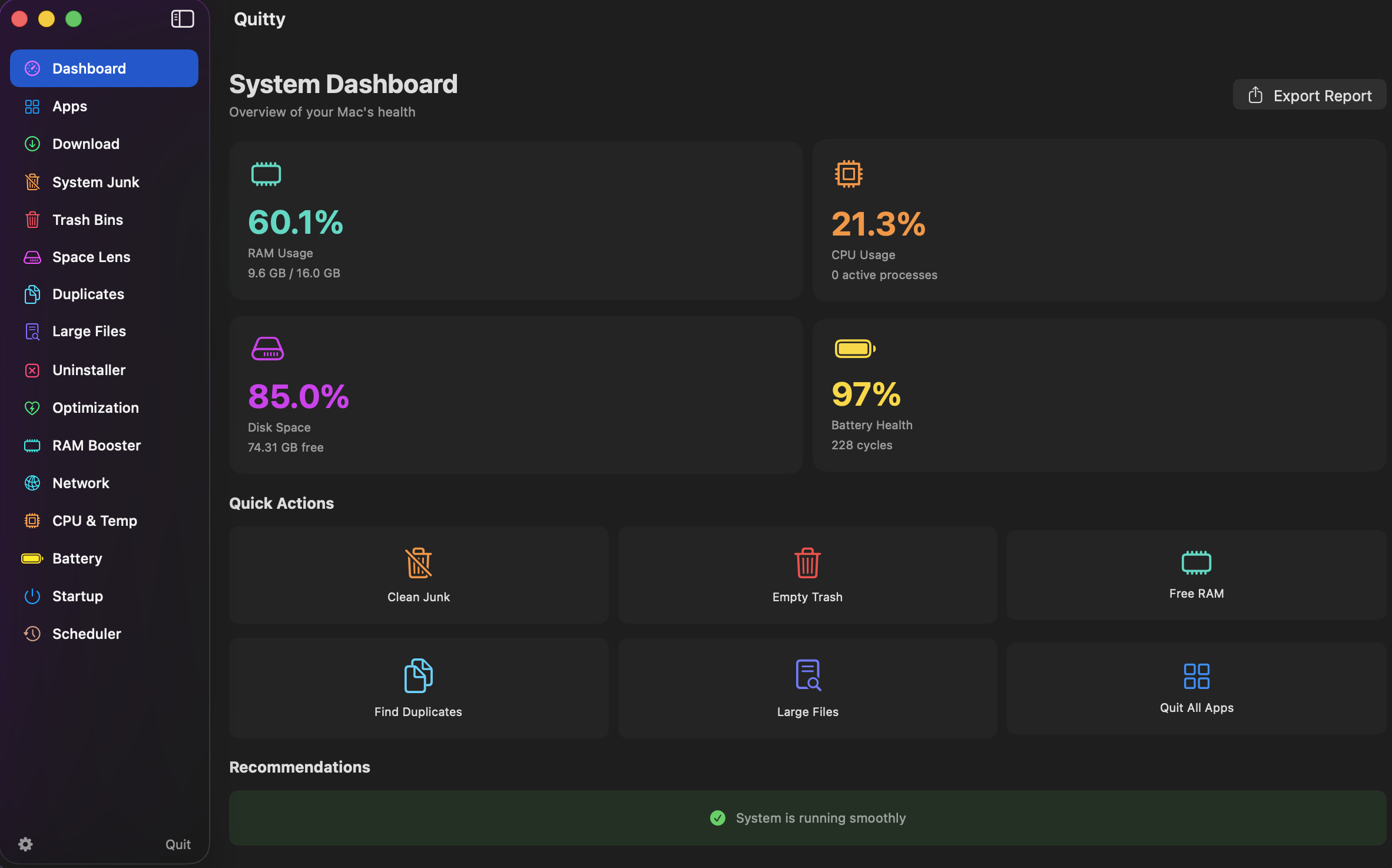
Live CPU, RAM, disk, and battery statistics with visual charts and graphs for system metrics. Smart recommendations for optimization and one-click access to all tools.
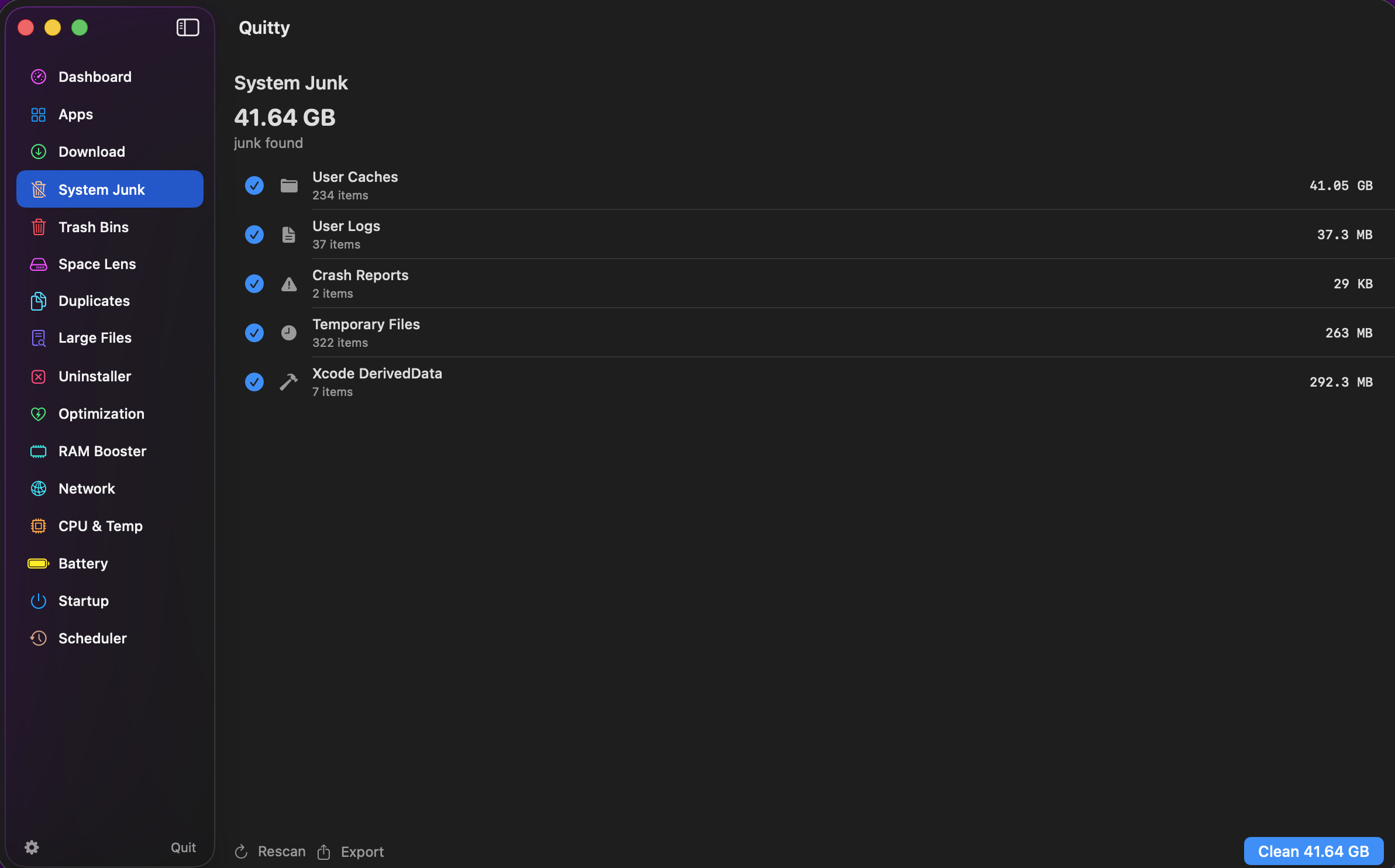
Removes temporary files, caches, logs, and system junk. Trash manager across all volumes and user accounts with smart detection to identify only safe-to-delete files.
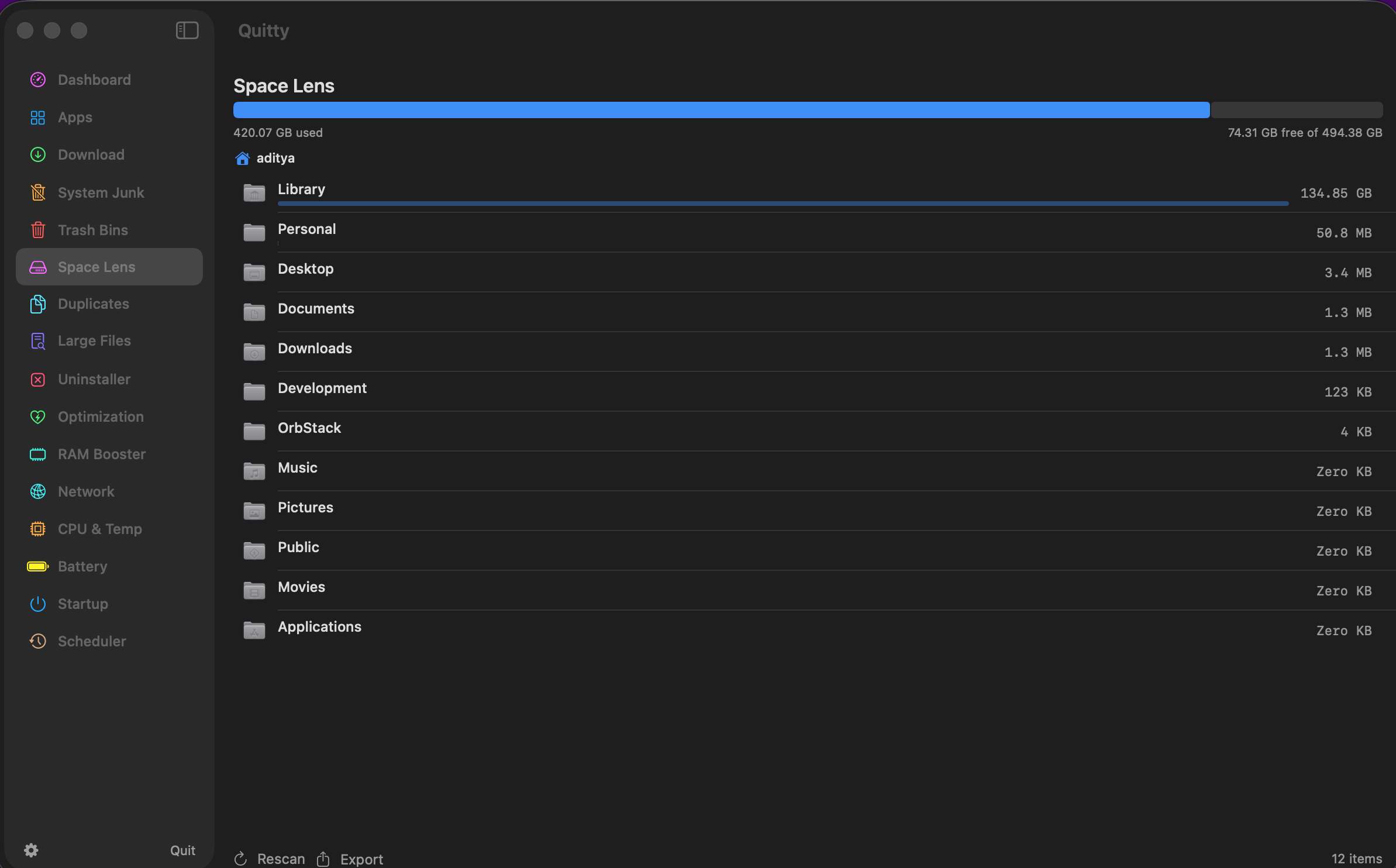
Duplicate file finder with full-system scan support, large files scanner with detailed size analysis, and visual disk space map with interactive directory browsing.
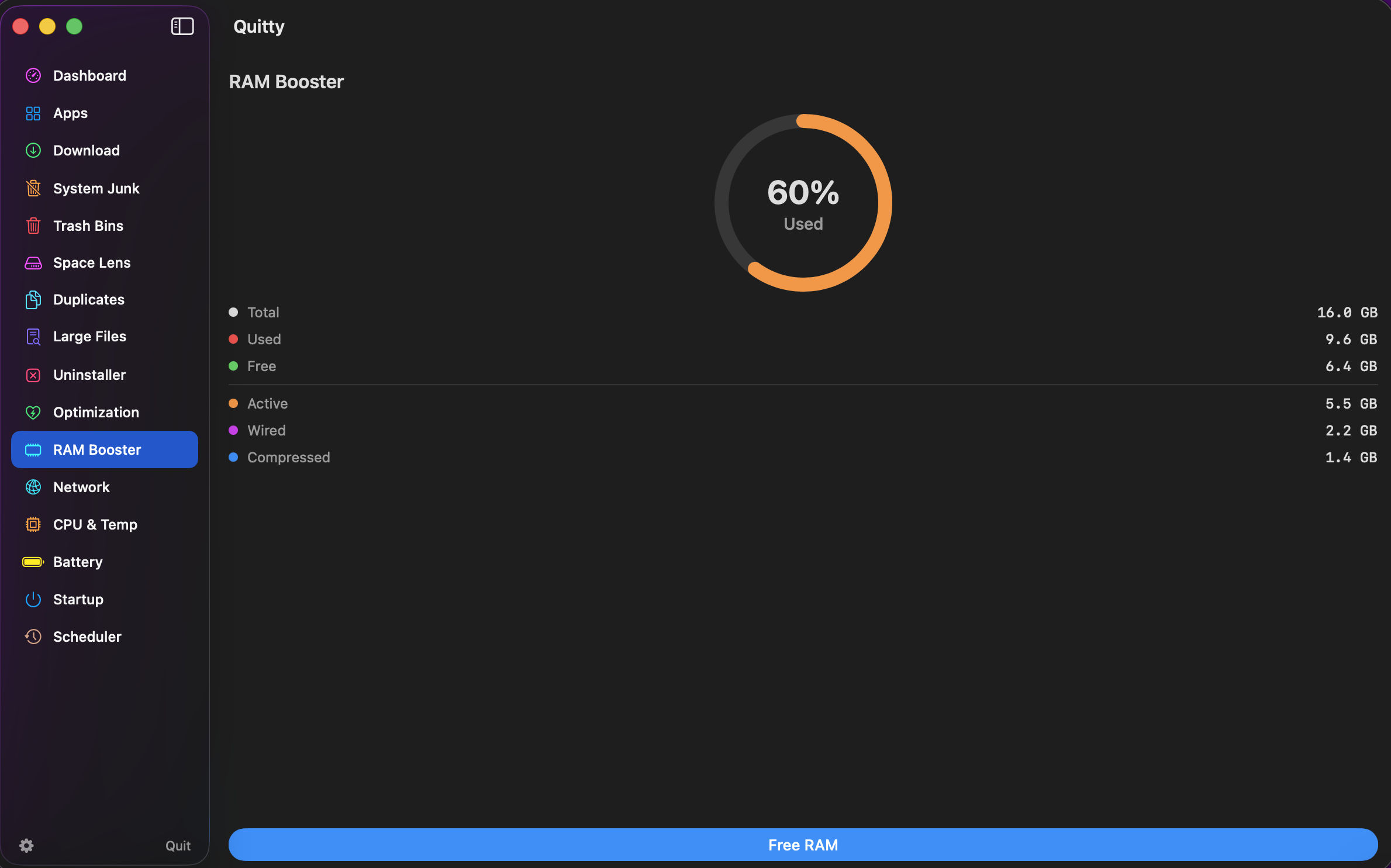
RAM booster to free memory by terminating unnecessary processes, real-time CPU monitoring with per-process breakdown, and startup manager to control login items.
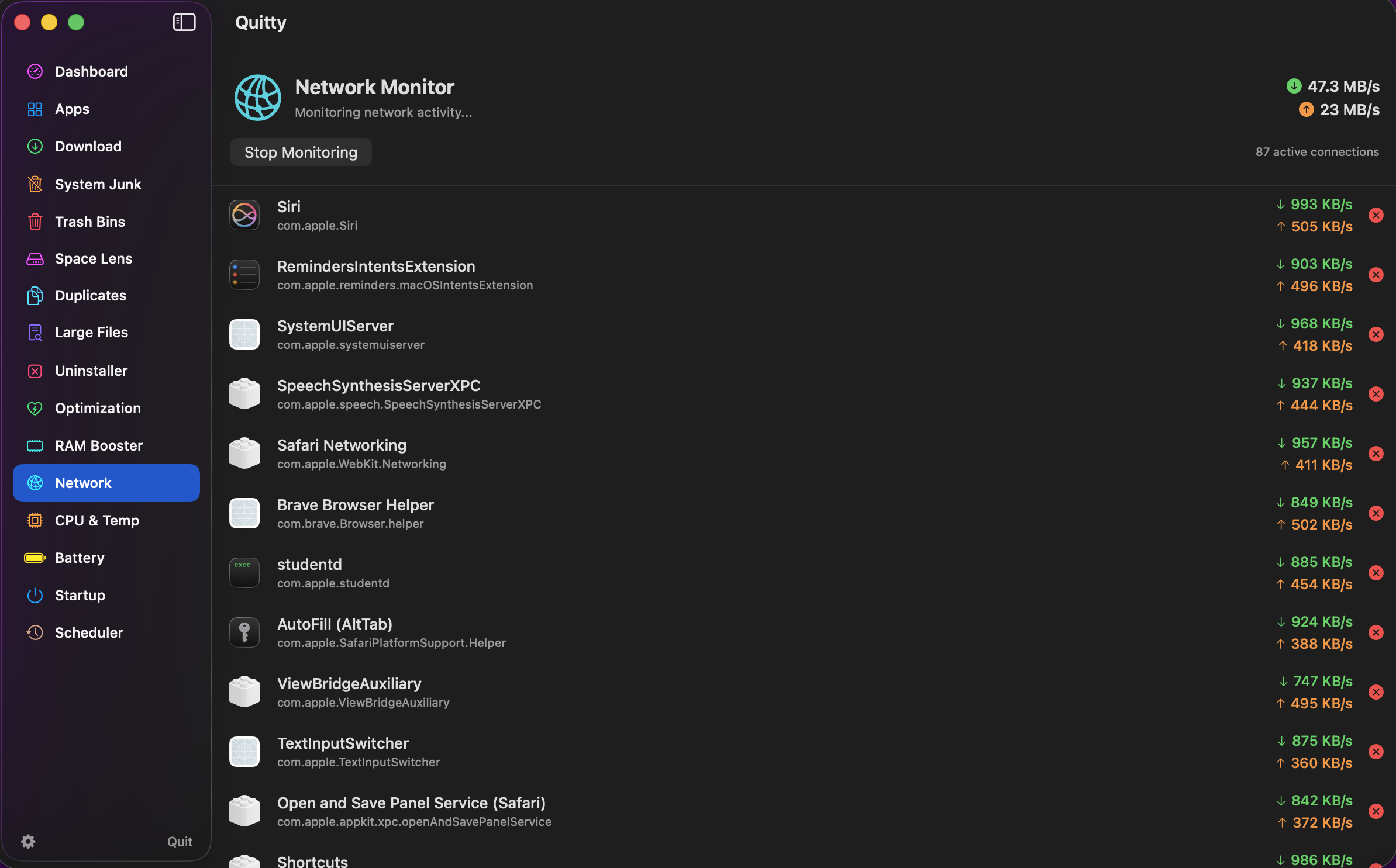
Real-time upload and download speed tracking with per-application bandwidth usage and active connection analysis.
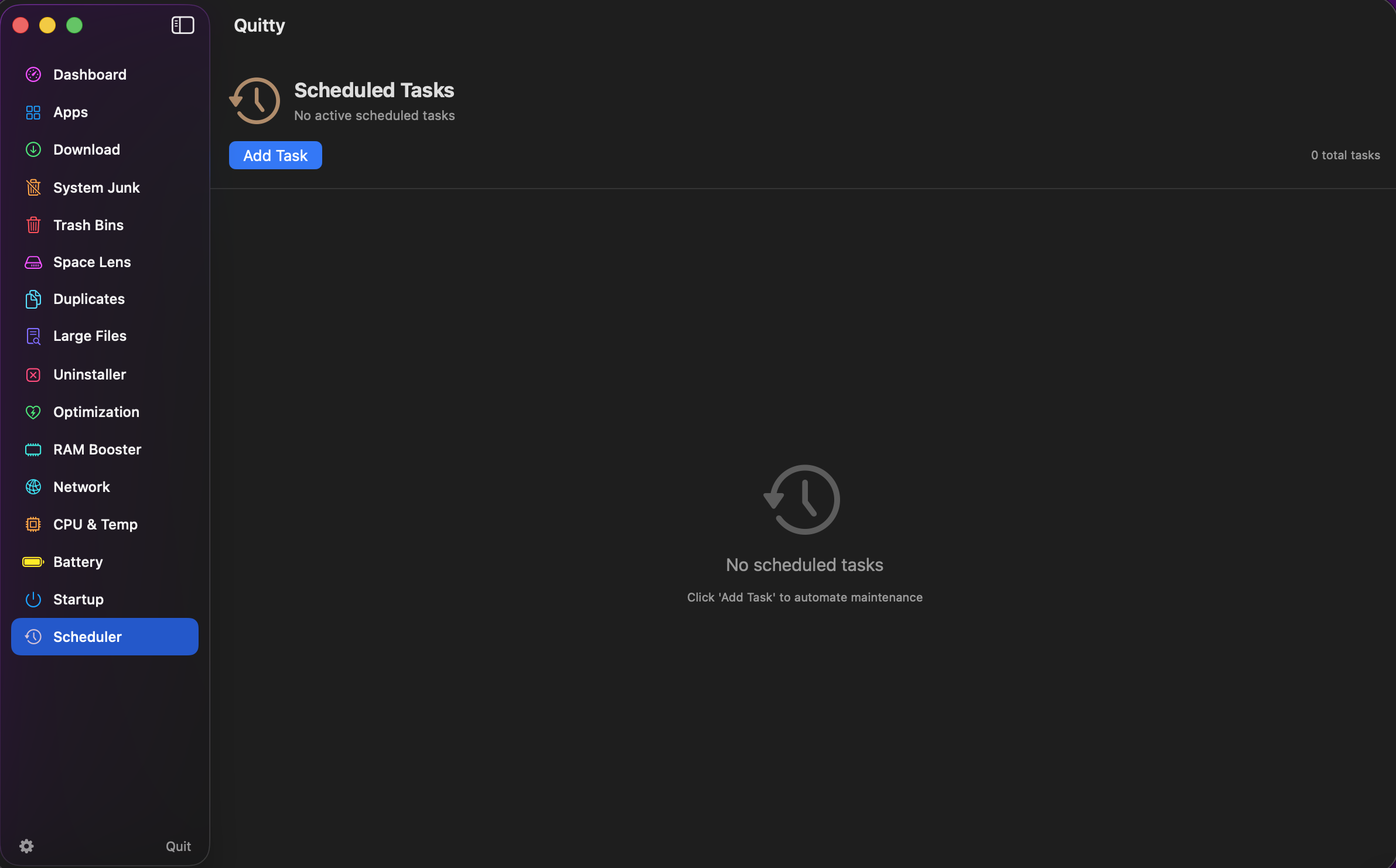
Task scheduler for cleaning and optimization routines with daily, weekly, and monthly recurrence options. Idle-time scheduling to minimize disruption.
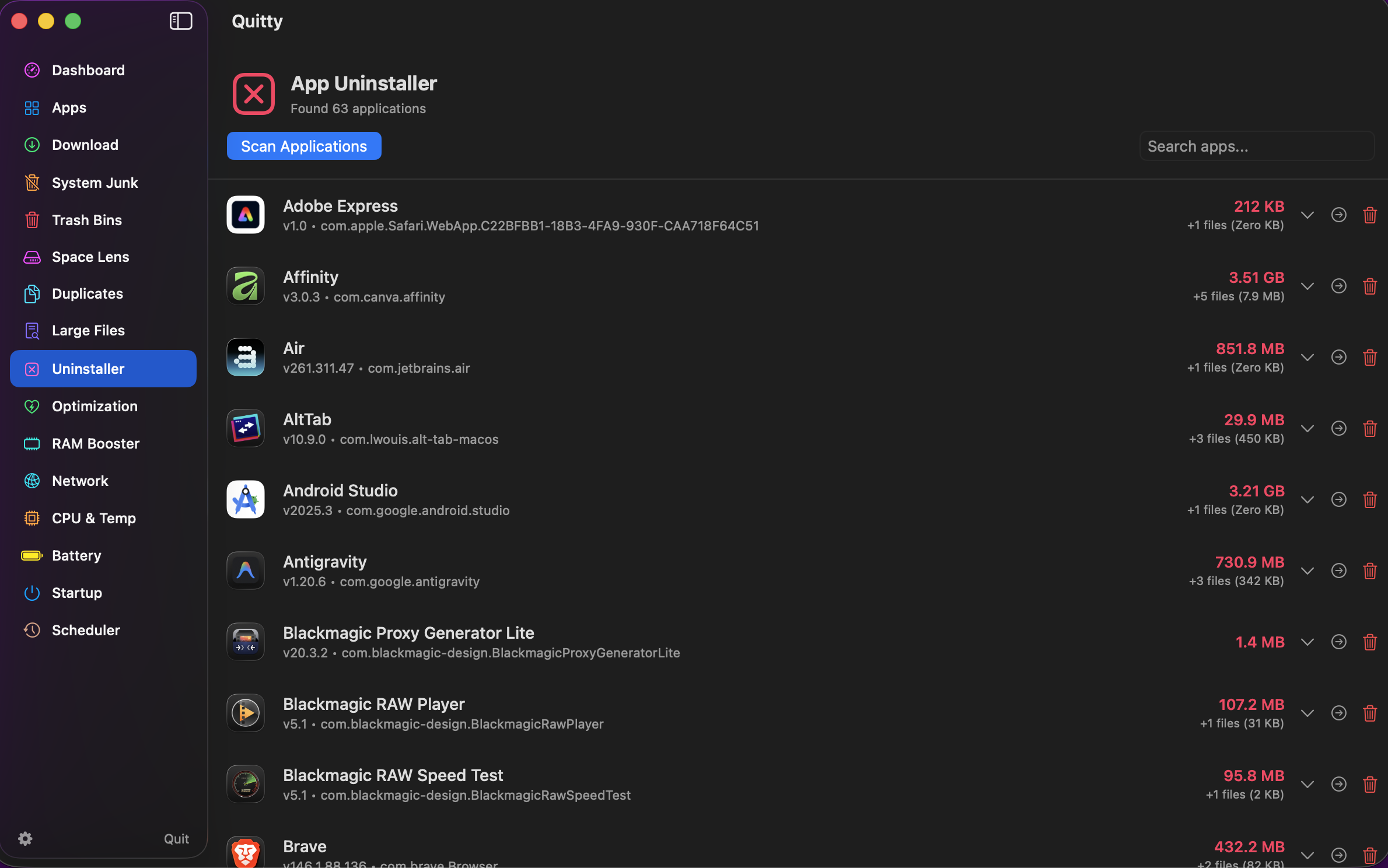
Full app uninstaller with leftover file detection, process manager for viewing and controlling running processes, and detailed hardware and software system information.
Quick installation steps to get Quitty running on your Mac.
Quitty is completely safe, strictly open-source, and does absolutely zero data tracking.
Quitty.dmg..dmg file.Because Quitty hasn't been signed with a $99/yr paid Apple Developer certificate, macOS Gatekeeper might block it from running the first time.
To bypass Gatekeeper securely:
xattr -rd com.apple.quarantine /Applications/Quitty.app
You can now launch Quitty normally!
To build Quitty yourself, you'll need Xcode 14+ and macOS 14.6+.
git clone https://github.com/iad1tya/Quitty.git
Bye.xcodeproj in Xcode.Free, open-source, and built to make your macOS experience better.